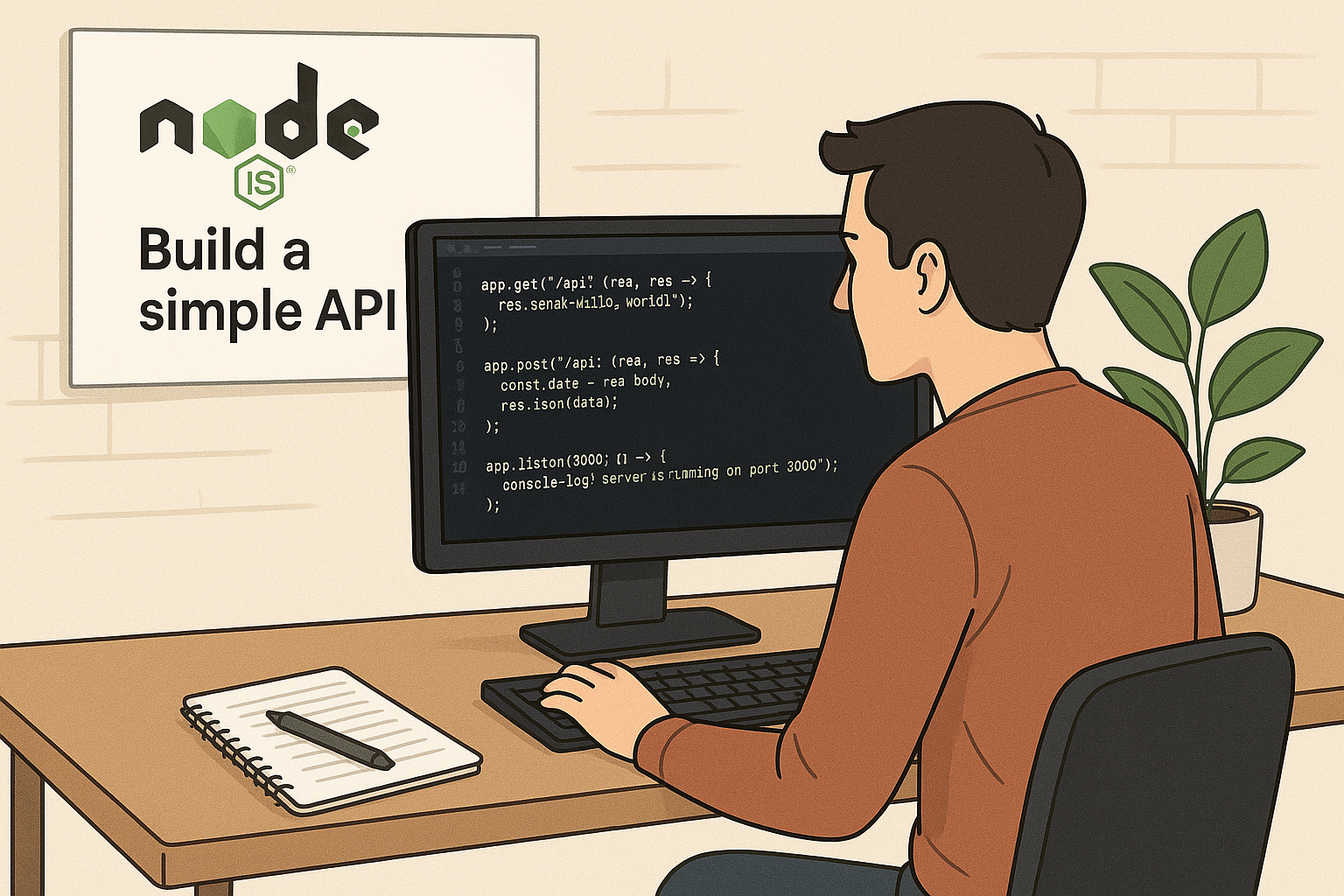
First Lesson at Nodejs: Build a Simple API
Node.js has become a popular platform for building scalable and efficient server-side applications. One of the foundational skills for any Node.js developer is creating a simple API. This lesson will guide you through the basics of building a simple API using Node.js, focusing on key concepts and practical implementation.
What is an API?
An API, or Application Programming Interface, is a set of rules that allows different software applications to communicate with each other. In the context of web development, APIs enable clients such as browsers or mobile apps to interact with servers to fetch or send data.
Why Use Node.js for Building APIs?
Node.js is built on Chrome’s V8 JavaScript engine, making it fast and efficient. Its event-driven, non-blocking I/O model makes it ideal for building APIs that can handle multiple requests simultaneously without performance degradation.
Setting Up Your Environment
Before you start building your API, ensure you have Node.js installed on your machine. You can download it from the official website. Once installed, you can initialize a new project by running npm init in your project directory.
Building a Simple API with Node.js
For this lesson, we will create a basic RESTful API that responds with a list of users. We’ll use the built-in http module to keep things simple and avoid external dependencies.
Step 1: Create a Server
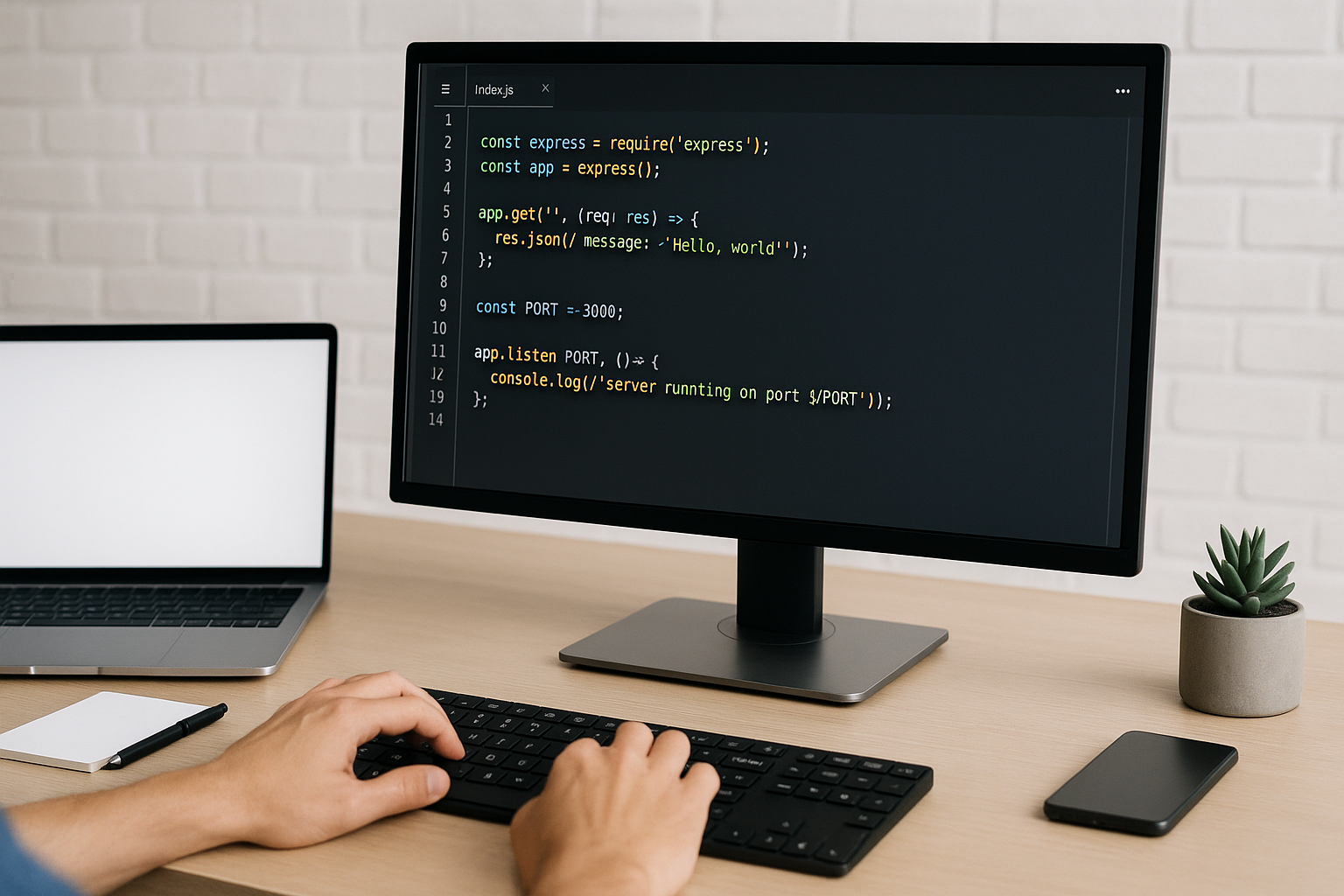
Start by creating a file named server.js. In this file, require the http module and create a server that listens on a specific port.
const http = require('http');

const users = [
  { id: 1, name: 'Alice' },
  { id: 2, name: 'Bob' },
  { id: 3, name: 'Charlie' }
];

const server = http.createServer((req, res) => {
  if (req.url === '/users' && req.method === 'GET') {
    res.writeHead(200, { 'Content-Type': 'application/json' });
    res.end(JSON.stringify(users));
  } else {
    res.writeHead(404, { 'Content-Type': 'text/plain' });
    res.end('Not Found');
  }
});

const PORT = 3000;
server.listen(PORT, () => {
  console.log(`Server running on port ${PORT}`);
});
Step 2: Test Your API
Run your server using node server.js. Open your browser or use a tool like Postman to navigate to http://localhost:3000/users. You should see the JSON list of users displayed.
Understanding the Code
The server listens for HTTP requests. When it receives a GET request to the /users endpoint, it responds with a JSON array of user objects. For any other endpoint or HTTP method, it returns a 404 Not Found response.
Extending Your Simple API
This simple API can be extended by adding more endpoints, handling different HTTP methods such as POST, PUT, and DELETE, and integrating with databases for persistent data storage.
Conclusion
Building a simple API with Node.js is a great way to get started with backend development. It helps you understand how servers handle requests and respond with data. As you progress, you can explore frameworks like Express.js to build more complex APIs efficiently.
Frequently Asked Questions
What is the difference between an API and a web server?
A web server handles HTTP requests and serves web pages or data, while an API specifically provides a set of endpoints for clients to interact with data or services programmatically.
Can I use Node.js to build APIs for production?
Yes, Node.js is widely used in production environments for building APIs due to its performance and scalability.
Do I need to use frameworks like Express to build APIs in Node.js?
No, you can build APIs using Node.js’s built-in modules, but frameworks like Express simplify routing, middleware management, and other common tasks.
How can I handle POST requests in my simple API?
You can listen for POST requests by checking req.method === 'POST' and then collecting the data from the request body before processing it.