
Introduction
Integrating a backend API with a frontend application is a fundamental skill in modern web development. This guide provides a clear, step-by-step explanation on how to implement backend API calls in your frontend using Node.js, HTML, and JavaScript. Whether you are building a single-page application or a multi-page website, understanding this process is essential for creating dynamic, data-driven user experiences.
Understanding Backend API and Frontend Interaction
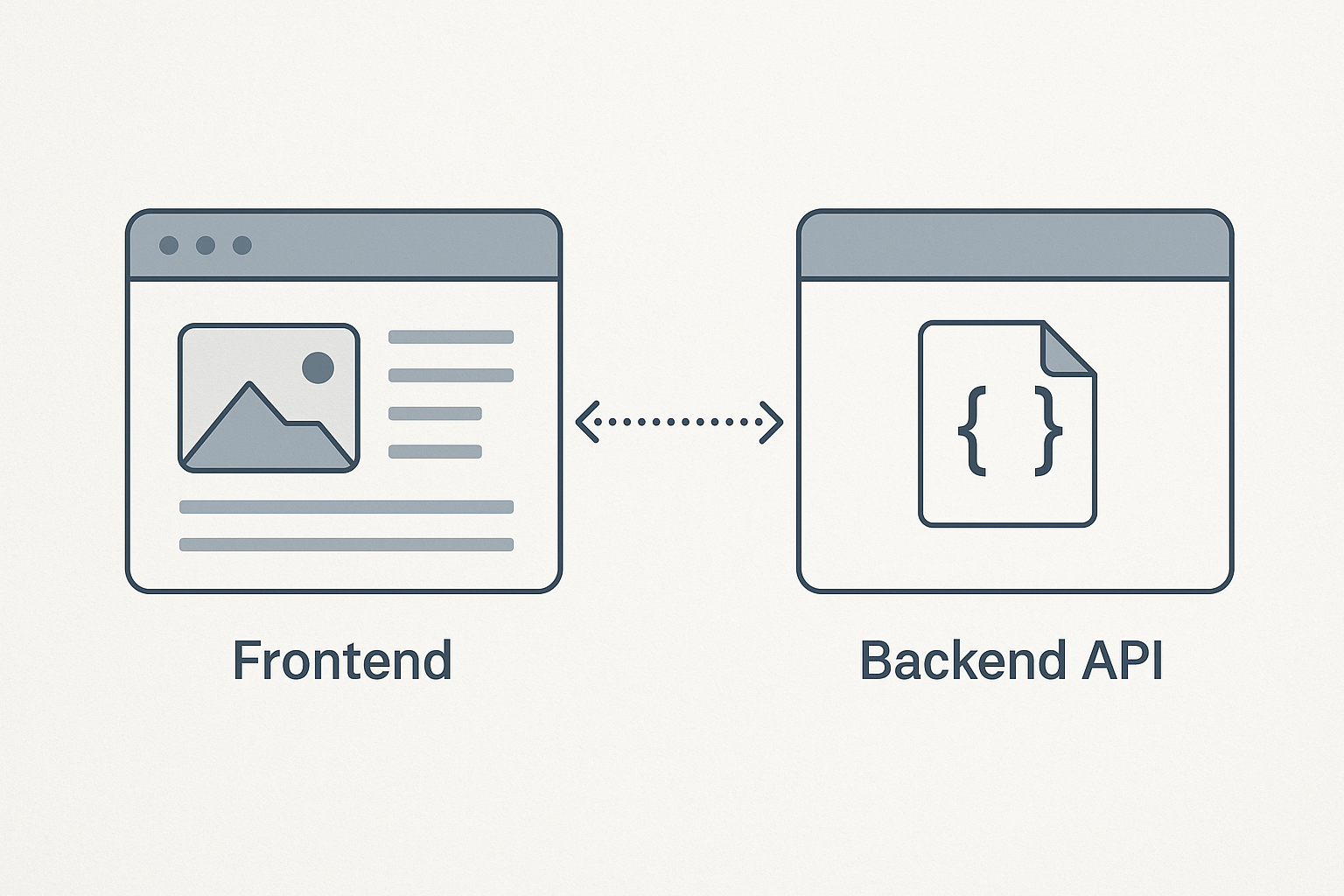
A backend API serves as a bridge between the frontend and the server-side logic or database. The frontend sends requests to the backend API to retrieve or manipulate data, which is then rendered or used within the user interface.
Common API Communication Methods
- RESTful APIs: Use HTTP methods like GET, POST, PUT, DELETE.
- GraphQL APIs: Allow clients to request exactly the data they need.
This guide focuses on RESTful API integration using JavaScript fetch, a widely supported method.
Setting Up Your Backend API
For demonstration, assume you have a Node.js backend exposing a RESTful API. A simple example endpoint might be:
GET /api/usersThis endpoint returns a JSON array of user objects.
Implementing API Calls in Frontend Using JavaScript
To connect your frontend to the backend API, you can use the fetch API in JavaScript. Here is a basic example:
fetch('http://localhost:3000/api/users')
  .then(response => response.json())
  .then(data => {
    console.log(data);
    // Process and display data in the frontend
  })
  .catch(error => console.error('Error fetching users:', error));
This code sends a GET request to the backend and logs the response data.
Displaying API Data in HTML
Here is an example of how to display the fetched users in a simple HTML list:
<div id="user-list"></div>

<script>
fetch('http://localhost:3000/api/users')
  .then(response => response.json())
  .then(users => {
    const userList = document.getElementById('user-list');
    const listItems = users.map(user => `<li>${user.name} - ${user.email}</li>`).join('');
    userList.innerHTML = `<ul>${listItems}</ul>`;
  })
  .catch(error => console.error('Error fetching users:', error));
</script>
Handling POST Requests from Frontend to Backend
To send data from the frontend to the backend, such as creating a new user, you can use a POST request:
fetch('http://localhost:3000/api/users', {
  method: 'POST',
  headers: {
    'Content-Type': 'application/json'
  },
  body: JSON.stringify({ name: 'John Doe', email: 'john@example.com' })
})
.then(response => response.json())
.then(data => console.log('User created:', data))
.catch(error => console.error('Error creating user:', error));
Best Practices for Backend API to Frontend Integration
- Use asynchronous requests: Prevent UI blocking by using async/await or promises.
- Error handling: Always handle errors gracefully to improve user experience.
- Security: Protect sensitive data and use HTTPS in production.
- CORS: Configure Cross-Origin Resource Sharing properly on your backend.
Conclusion
Implementing backend API calls in your frontend using Node.js, HTML, and JavaScript is straightforward with tools like the fetch API. By following the examples and best practices outlined in this guide, you can build robust, interactive web applications that efficiently communicate with backend services.
Frequently Asked Questions (FAQ)
What is the best way to fetch data from a backend API in frontend?
The fetch API is a modern and widely supported method for making HTTP requests from the frontend. It supports promises and async/await syntax for cleaner asynchronous code.
How do I handle errors when calling backend APIs?
Use .catch() with promises or try/catch blocks with async/await to catch errors. Additionally, check response status codes to handle server-side errors appropriately.
Can I use other libraries instead of fetch?
Yes, libraries like Axios provide additional features and simpler syntax for HTTP requests, but fetch is built-in and sufficient for most use cases.
What is CORS and why is it important?
CORS (Cross-Origin Resource Sharing) is a security feature that restricts web pages from making requests to a different domain than the one that served the web page. Proper backend configuration is required to allow your frontend to access the API.